
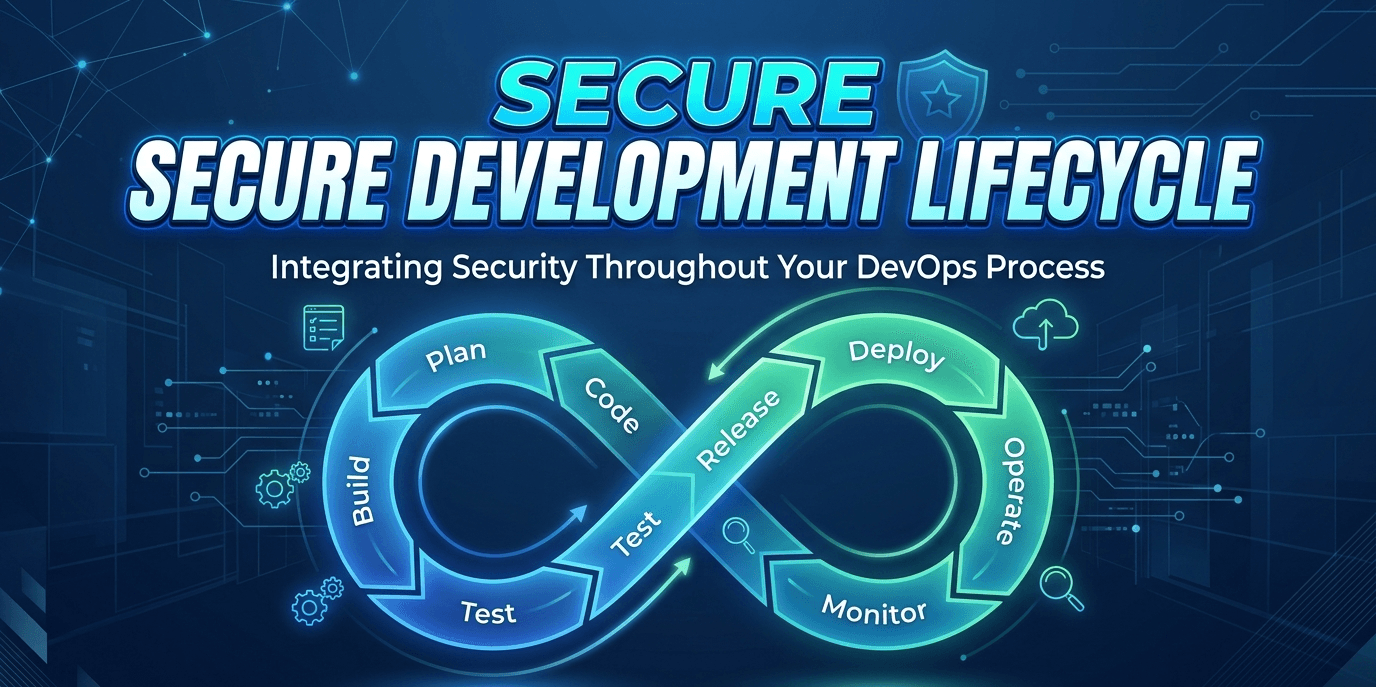
"Panic at the End" to "Security by Default" – A Technical Deep Dive into the Secure Development Lifecycle
Stop chasing vulnerabilities after deployment. This guide walks you from the basic "why" of secure development to the technical "how" of SAST, DAST, threat modeling, and pipeline automation—reducing risk while accelerating delivery.
Stop chasing vulnerabilities after deployment. This guide walks you from the basic "why" of secure development to the technical "how" of SAST, DAST, threat modeling, and pipeline automation—reducing risk while accelerating delivery.
Why Your "Secure at the End" Model is Broken
Imagine you are building a skyscraper. You pour the foundation, weld the steel beams, install the elevators, and furnish the 50th floor. Only then, right before the ribbon-cutting ceremony, do you call in a structural engineer to check if the building can survive an earthquake.
Ridiculous, right? You would never build software that way.
Yet, for decades, the software industry did exactly that. We wrote code, built features, and only when the application was "done" did we call in the penetration testers. The results were predictable:
- Crunch time: Developers stayed up all night fixing "critical" findings two days before launch.
- Budget blowouts: A simple SQL injection that would cost $100 to fix in design cost $30,000 to fix in production.
- Burnout: Security was viewed as the "department of no," blocking releases with last-minute demands.
The Secure Development Lifecycle (SDLC) flips this model upside down. Instead of security being a gate at the end, it becomes the lens through which every line of code is written.
The Business Case: Why Your CISO and CFO Both Agree
If you need to justify this investment to leadership, here are the numbers (sourced from the Axum Sec page and industry standards like NIST):
| Metric | Traditional Model | Secure SDLC Model | Impact |
|---|---|---|---|
| Vulnerability Density | 1-2 flaws per 1000 lines of code | 0.2 flaws per 1000 lines | 80% fewer vulnerabilities |
| Cost to Fix | $30,000 (Post-release) | $1,000 (During design) | 30x cheaper |
| Release Cadence | Monthly (Manual security checks) | Weekly or Daily (Automated) | 50% faster |
| Incident Response | Reactive (Panic mode) | Proactive (Preventative) | Reduced downtime |
The takeaway: Secure development is not a tax on speed. It is the enabler of speed.
Part 2: The Technical Explanation (For Developers & Security Engineers)
Now, let's open the hood. A Secure SDLC is not a single tool. It is a layered architecture of processes, automation, and human review that spans the entire software lifecycle.
We will walk through each of the six stages—Planning, Design, Development, Testing, Deployment, Maintenance—and translate the high-level concepts from the Axum Sec page into actionable technical workflows.
Phase 1: Planning – Threat Modeling (The "What Could Go Wrong?" Stage)
Before a single git commit, the team gathers to think like an attacker.
Technical Artifact: Threat Model Document (using the STRIDE methodology).
How it works: Draw a Data Flow Diagram (DFD) of your feature. Identify trust boundaries (e.g., where data moves from the user's browser to your API). For each element, ask STRIDE questions:
| Threat | Definition | Example in a Login Form |
|---|---|---|
| Spoofing | Pretending to be someone else | Attacker uses a stolen JWT token. |
| Tampering | Modifying data in transit | Man-in-the-middle alters the "role" field from "user" to "admin". |
| Repudiation | Denying an action | User claims they never transferred money; logs are missing. |
| Information Disclosure | Leaking secrets | API returns a stack trace with database credentials. |
| Denial of Service | Crashing the system | Sending a x 1,000,000 in the password field kills the CPU. |
| Elevation of Privilege | Getting higher access | A standard user calls an admin API endpoint. |
Tool Example: Microsoft Threat Modeling Tool, OWASP Threat Dragon, or IriusRisk.
Phase 2: Design – Security Controls & Architecture Review
Here, you define how you will prevent the threats identified above.
Technical Artifacts: Security Design Review checklist, Architecture Decision Records (ADRs).
Key decisions made in this phase:
- Authentication: OAuth 2.0 / OIDC (Okta, Auth0, Keycloak) vs. Basic Auth.
- Authorization: RBAC (Role-Based) vs. ReBAC (Relationship-Based, e.g., Google Zanzibar).
- Encryption: AES-256-GCM for data at rest; TLS 1.3 for data in transit.
- Input Validation: Allow-lists (regex
^[a-zA-Z0-9]{3,20}$) vs. deny-lists (blockingDROP TABLE—which is insufficient).
Example output: An ADR stating "We will implement API rate limiting at the reverse proxy level (NGINX + limit_req_zone) to mitigate DoS threats identified in Planning."
Phase 3: Development – Secure Coding & Pre-Commit Hooks
This is where the rubber meets the road. Developers write code, but automated checks run before code ever reaches a shared branch.
Technical Implementation:
A. Pre-commit Hooks (Client-side)
Using a tool like pre-commit (Python) or lefthook (Node.js).
# .pre-commit-config.yaml example
repos:
  - repo: https://github.com/gitleaks/gitleaks
    rev: v8.18.0
    hooks:
      - id: gitleaks  # Scans for hardcoded secrets (passwords, API keys)
  - repo: https://github.com/psf/black
    hooks:
      - id: black  # Enforces formatting, but also catches syntax errors that could be security issues
B. Secure Coding Patterns (Concrete examples)
| Vulnerability | Insecure Code (Don't do this) | Secure Code (Do this) |
|---|---|---|
| SQL Injection | query = "SELECT * FROM users WHERE id = '" + userId + "'" | query = "SELECT * FROM users WHERE id = ?" (Parameterized query) |
| XSS (Cross-Site Scripting) | element.innerHTML = userInput | element.textContent = userInput (or use DOMPurify) |
| Command Injection | os.system("ping " + userHost) | subprocess.run(["ping", userHost]) (List form avoids shell interpretation) |
| Path Traversal | open("/var/data/" + userFile) | normalized = os.path.realpath("/var/data/" + userFile); if not normalized.startswith("/var/data/"): raise Error |
Phase 4: Testing – SAST, DAST, and IAST (The Automated Security Arsenal)
Once code is pushed to the CI/CD pipeline (GitHub Actions, GitLab CI, Jenkins), the real automation begins.
Tool Stack Example:
Detailed Definitions:
- SAST (Static Application Security Testing): White-box testing. Scans source code for patterns.
- Example tool:
Semgrep,CodeQL,SonarQube. - Rule example:
Find whereexec()is called with a variable that comes fromrequest.GET`."
- Example tool:
- DAST (Dynamic Application Security Testing): Black-box testing. Crawls the running application and attempts attacks.
- Example tool:
OWASP ZAP,Burp Suite Professional. - Action: ZAP will automatically try SQL injection payloads in every form field.
- Example tool:
- IAST (Interactive Application Security Testing): Grey-box. Uses agents inside the runtime to observe actual data flow.
- Example tool:
Contrast Security,Veracode.
- Example tool:
- SCA (Software Composition Analysis): Scans your
package.json,go.mod,requirements.txtfor known vulnerabilities in open-source libraries.- Example tool:
Snyk,Dependabot,OWASP Dependency-Check. - Alert: "Your
lodash@4.17.19has a prototype pollution vulnerability. Update to4.17.20."
- Example tool:
Phase 5: Deployment – Infrastructure as Code (IaC) & Hardening
Security doesn't stop at the application code. The cloud infrastructure it runs on must be secured.
Technical Implementation:
- IaC Scanning: You define your AWS/Azure/GCP resources using Terraform or CloudFormation. Tools like
tfsecorcheckovscan these files.- Example alert:
checkovflags an S3 bucket withacl = "public-read".
- Example alert:
- Container Hardening: Before pushing a Docker image to a registry, scan it.
docker scan myapp:latest(uses Snyk) ortrivy image myapp:latest.
- Kubernetes Security: Use
kubescapeorkyvernoto enforce policies (e.g., "No container may run as root"). - Secrets Management: No secrets in
.envfiles. Use a vault.- Tool:
HashiCorp Vault,AWS Secrets Manager, orInfisical. - Integration: Pods inject secrets via sidecar or CSI driver, never environment variables that leak in logs.
- Tool:
Phase 6: Maintenance – RASP & Continuous Monitoring
The software is live. Now what?
Technical Implementations:
- RASP (Runtime Application Self-Protection): An agent inside the app that can block attacks in real-time.
- Example: If a user inputs
' OR '1'='1and the app tries to use it in a SQL query, RASP sees the pattern, stops the query, and logs the attacker's IP.
- Example: If a user inputs
- Vulnerability Management Program:
- Weekly SCA scans on the production codebase (new CVEs are published daily).
- Automated pull requests from Dependabot for patch updates.
- Monthly "Purple Team" exercises (attackers + defenders working together).
- Logging & Monitoring:
- Centralized logging (ELK stack, Datadog, Splunk).
- Alert on: Failed authentication spikes, unusual outbound traffic (data exfiltration), or sudden CPU spikes (crypto mining).
Part 3: Tying It Together – The DevSecOps Culture
You have the tools. You have the processes. But without culture, security automation is just noise.
The Three Pillars of DevSecOps Culture:
- Shared Responsibility: "Security is not the security team's problem. It is the engineering team's problem, facilitated by the security team."
- Blameless Post-Mortems: When a vulnerability slips through, the question is "Why wasn't our automated control there?" not "Which developer screwed up?"
- Continuous Learning: Run monthly "Capture the Flag" (CTF) challenges for your developers. Let them hack a deliberately vulnerable app (like OWASP Juice Shop) to understand attacker mindset.
Conclusion: From Normal to Technical – Your Action Plan
We started this post asking why we build software like skyscrapers with no engineer until the ribbon-cutting. We end with a concrete, technical playbook.
For the Executive (The Normal Summary): Invest in Secure SDLC. It reduces risk by 80%, slashes costs by 30x, and accelerates releases by 50%. It is the best ROI in your cybersecurity budget.
For the Engineer (The Technical Summary):
- Next sprint: Add a threat modeling session using STRIDE.
- Tomorrow: Install a pre-commit hook for secret scanning (
gitleaks). - Next month: Implement a SAST gate (SonarQube) that fails PRs on "Critical" issues.
- This quarter: Introduce DAST (OWASP ZAP) into your staging environment CD pipeline.
Hackers are not waiting for you to finish your QA phase. They are scanning your production endpoints right now. The only question is: will you find the vulnerability first, or will they?
Ready to embed security into every stage of your development lifecycle? Axum Sec provides the guidance, training, and DevSecOps implementation support to get you from "normal" to "technical" security maturity.